Explore
VeriClock
Optimize your workforce using industry-leading digital tools, designed to transform your business operation.

Optimize your workforce using industry-leading digital tools, designed to transform your business operation.
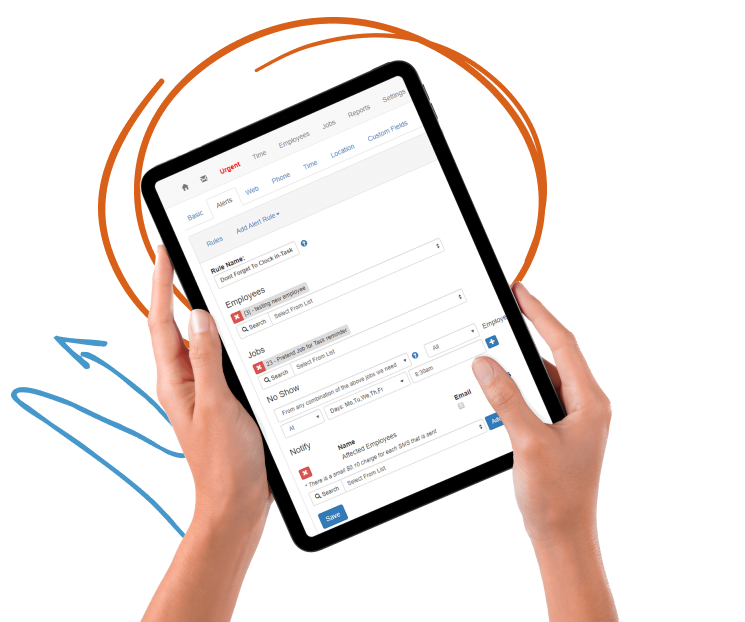
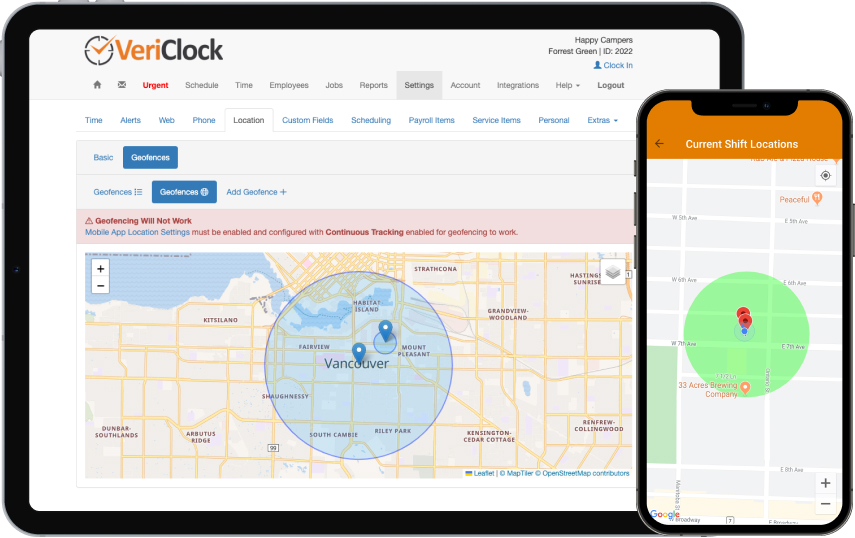
VeriClock is aware of the location of the job and employee, unlocking another level of control and efficiency. Now you can leverage GPS tracking to simplify clocking in and out, verify jobs, and more.
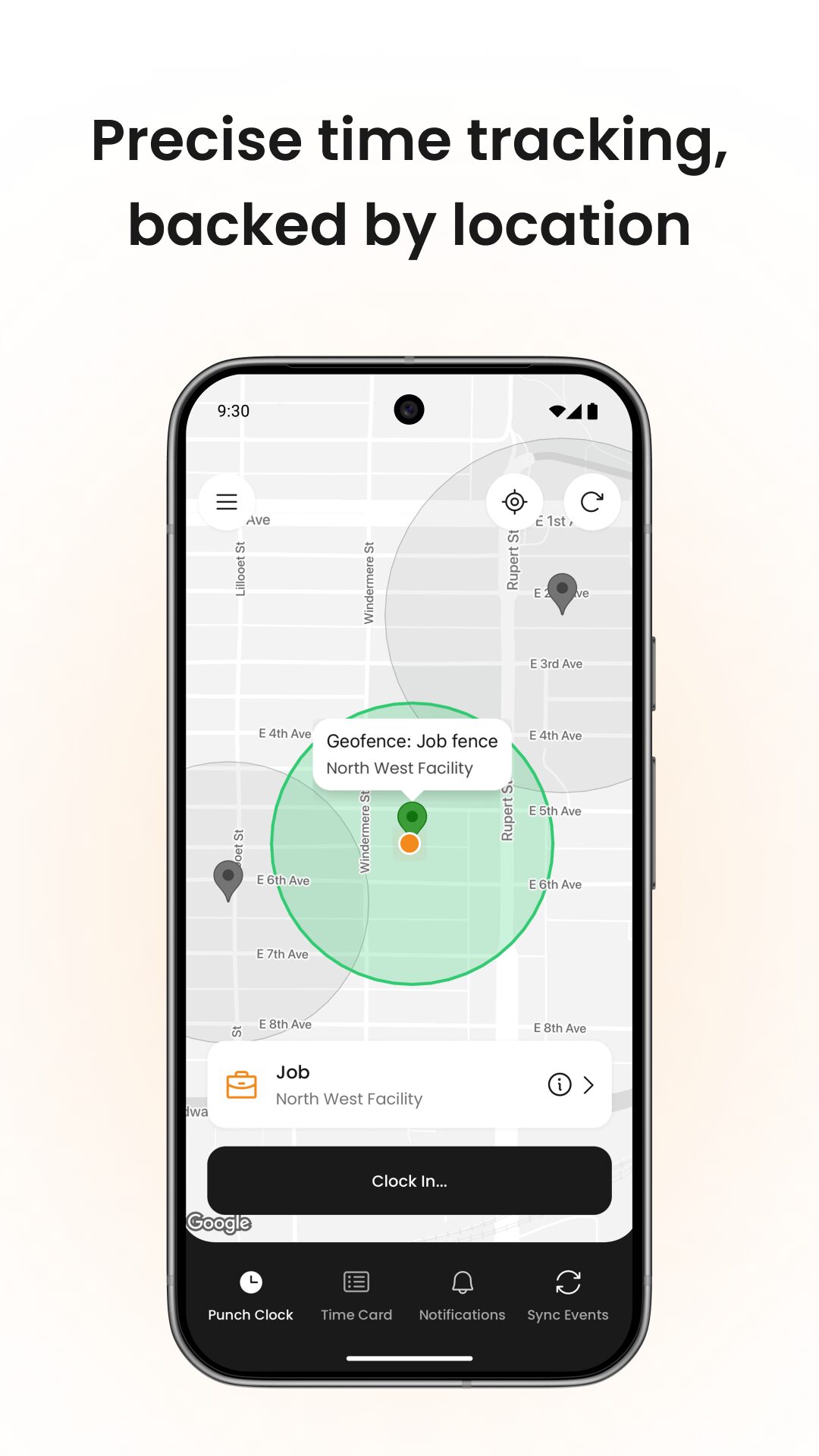


Establish a circular geofence with a flexible radius for precise clock-in and out locations.
VeriClock allows you to use GPS location to power employee access.
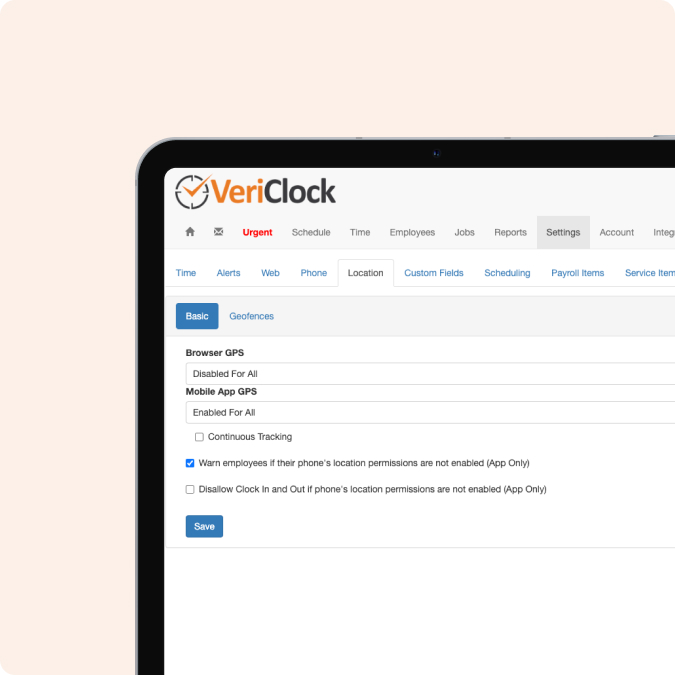


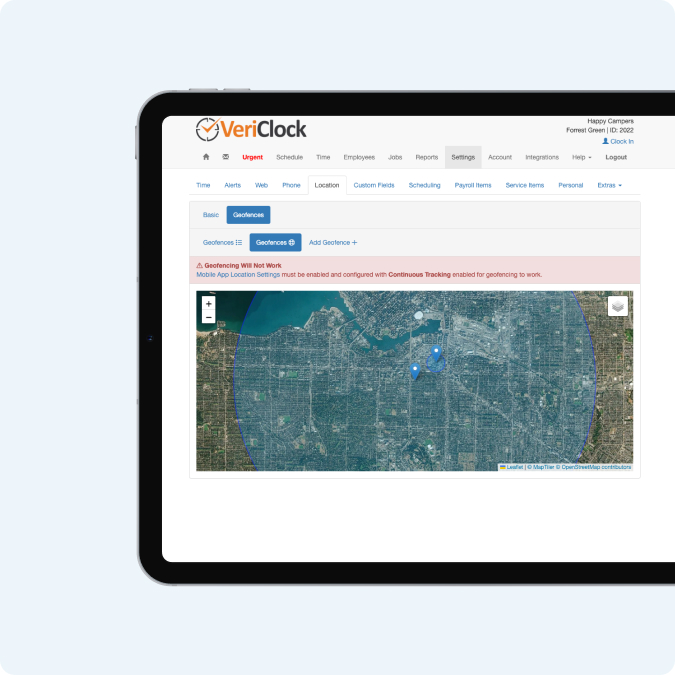


VeriClock gives you a new level of location-based reporting and alerts.
FAQ
VeriClock Location Management allows employers to control, monitor, and validate where employees are physically located when recording time.
It combines:
This ensures time entries are aligned with approved worksites before payroll export.
Yes.
GPS tracking can be configured:
This allows you to apply stricter controls for field crews while limiting GPS requirements for office staff.
Yes – when GPS tracking is enabled, GPS location is required at clock-in.
If the employee disables GPS or does not share location:
This ensures transparency and reduces unverified time entries.
A geofence is a virtual boundary placed around a jobsite.
VeriClock allows you to:
This supports both compact jobsites and large-scale projects.
Yes. You can configure enforcement as:
You can also warn or block clock-in/out if employees leave the geofence during their shift.
This provides flexible enforcement depending on your operational needs.
Yes.
Geofencing can be tied directly to specific jobs.
This allows:
Since March 2023, job-based geofencing has been enhanced for more precise location validation at clock-in.
Yes – if continuous GPS tracking is enabled.
Features include:
This allows supervisors to review jobsite presence and route validation.
Tracking automatically stops at clock-out.
The mobile app now provides additional telemetry data, including:
This increases accountability and provides additional context during time review.
Yes.
You can download reports that include:
This creates a detailed audit trail for payroll review, compliance, and internal investigation if needed.
Yes. Mileage and/or general movement waypoints can be tracked at specific points within clock events.
This is typically useful for:
Mileage pings help support reimbursement tracking and route verification.
Depending on your configuration:
Managers can review these events before approving time for payroll.
Yes. Role-based permissions allow you to:
This supports multi-branch organizations and separation of duties.
No. GPS tracking only occurs:
Tracking automatically stops at clock-out, maintaining employee privacy outside paid time.
Location enforcement ensures:
When combined with approval workflows, this ensures validated jobsite-verified time flows into payroll exports.
Yes. Approved and validated time entries can be exported into supported accounting systems, including:
This ensures jobsite-validated labor data flows cleanly into payroll and job costing.